
Activity Computing
Robot Rescue Coding
Plan, test, and improve a sequence of commands to guide a cardboard robot through a rescue maze.
- 👧 Ages 4–6
- 🎓 Pre-primary, Kindergarten, Grade 1
- ⏱ 25 minutes
- 🏠 Indoor
- ⚡ Moderate
- 👥 1–3 players
What are we doing?
Your mission
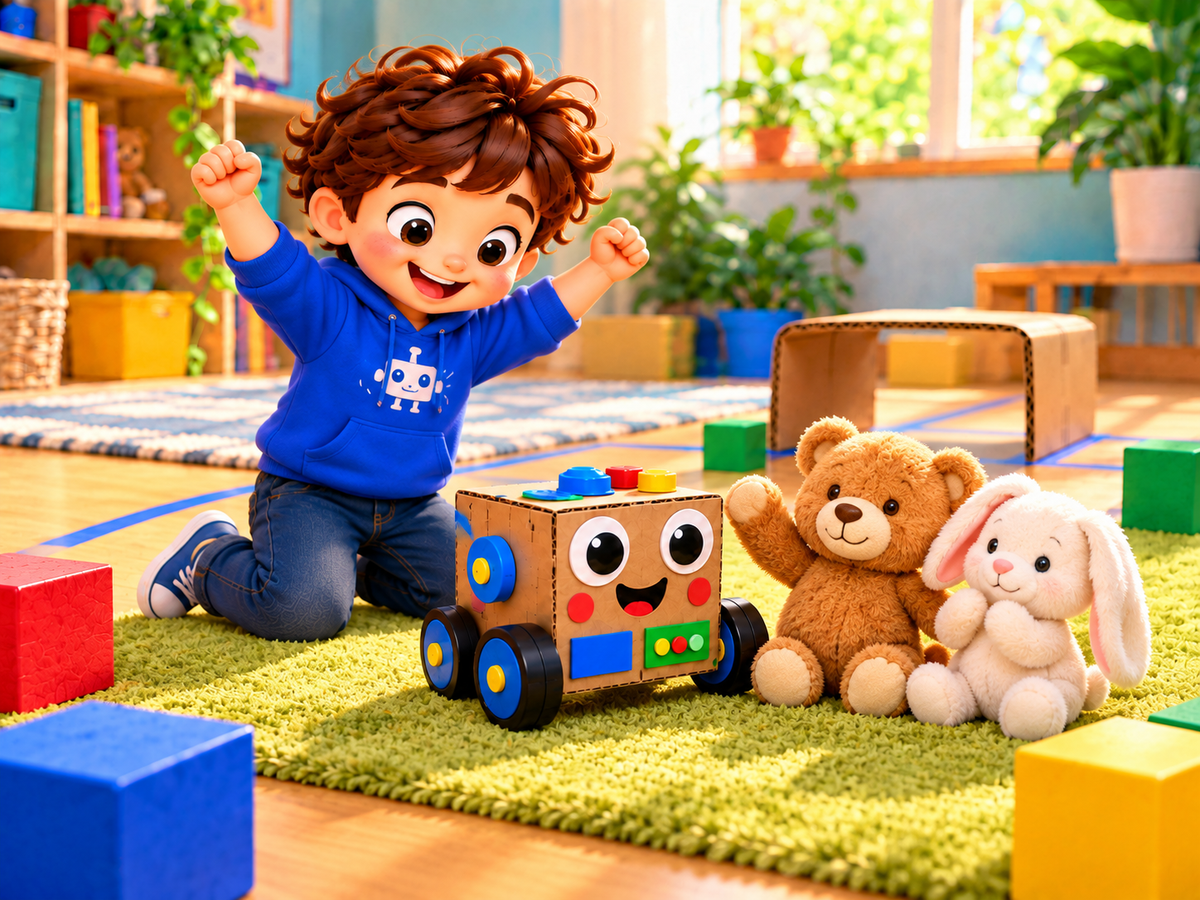
Build a friendly cardboard robot, create a safe obstacle course, plan direction commands, test and fix the route, and rescue two plush friends.
Stay safe
Safety note
Use painter’s tape and large, stable materials in a clear floor area away from doors and stairs. An adult should prepare any cutting. Avoid sharp tools, powered motors, and small loose pieces for children who may mouth objects.
Get ready
Materials needed
- Small cardboard box or safe toy car base
- Painter’s tape
- Large blocks or cushions
- Large direction cards
- Two plush toys
- Washable markers and paper decorations
Follow the clues
Your play plan
0 of 5 complete
Step 1
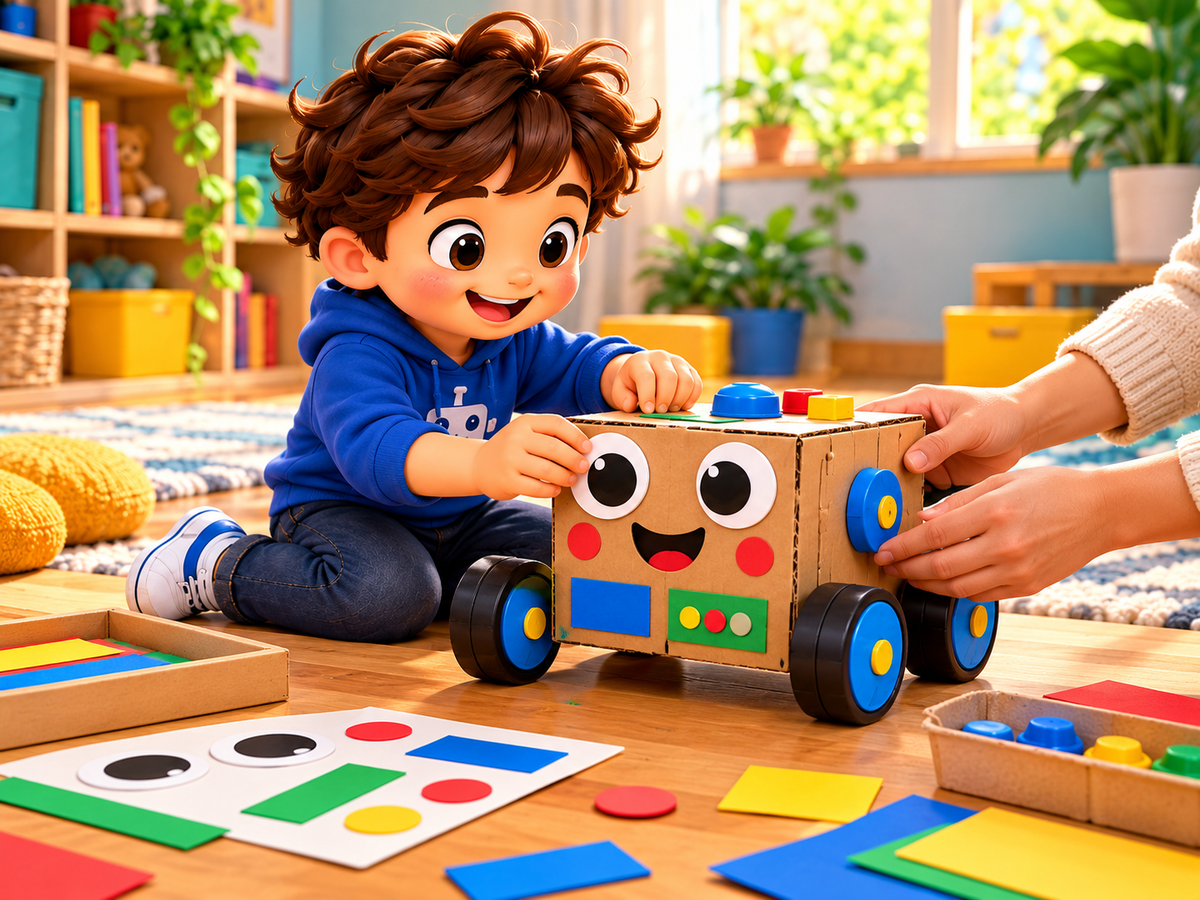
Build the Robot
Decorate a small cardboard box as a friendly robot and add four large toy wheels or place it on a safe toy car base.
“What features will help your rescue robot look friendly and ready to move?”
Grown-up tip
Prepare any cutting in advance and let the child choose the face, colors, and safe decorations.
Step 2
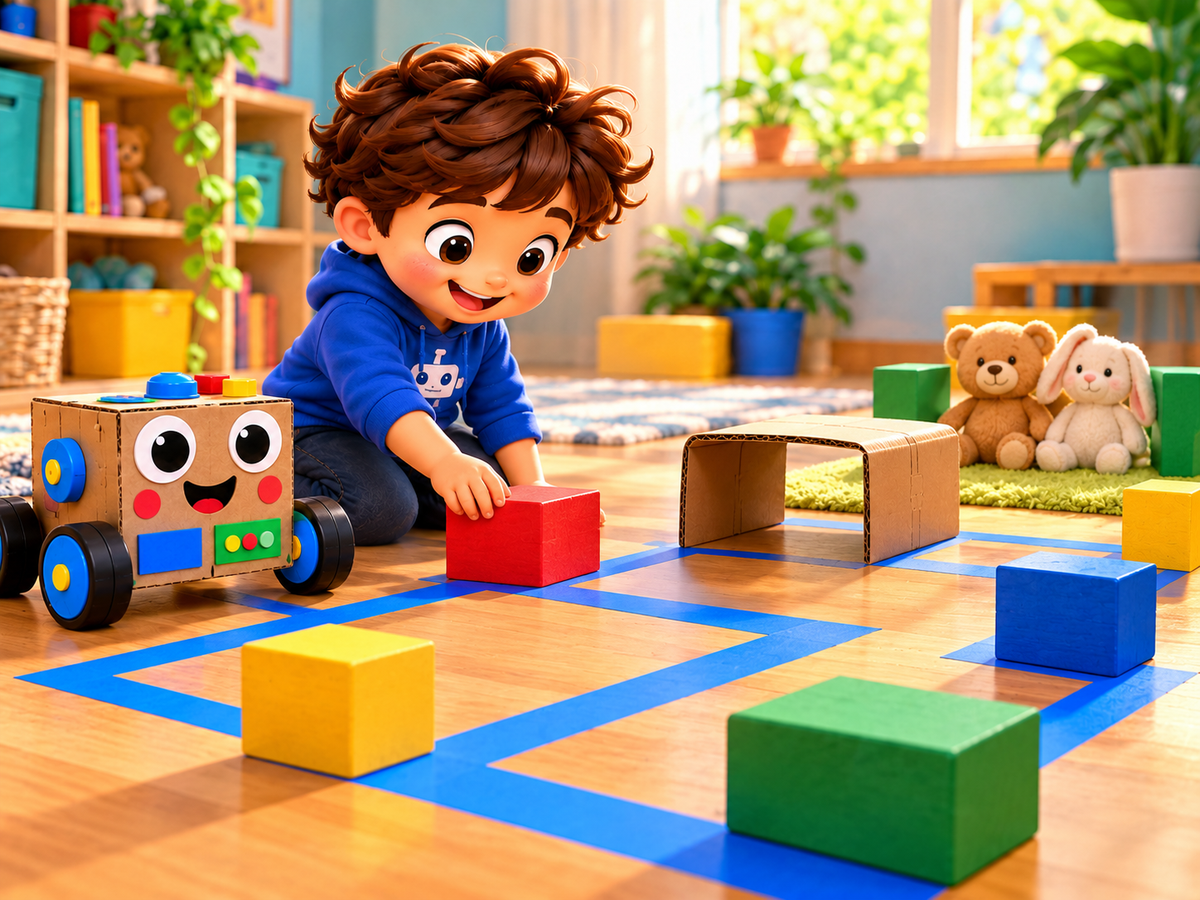
Create the Maze
Mark a wide floor route with painter’s tape, add large block obstacles and a low cardboard tunnel, then place two plush toys at the rescue goal.
“Where can the robot travel safely, and where should the toys wait?”
Grown-up tip
Keep the route away from doorways and walking paths. Use only broad, stable obstacles with plenty of space between them.
Step 3
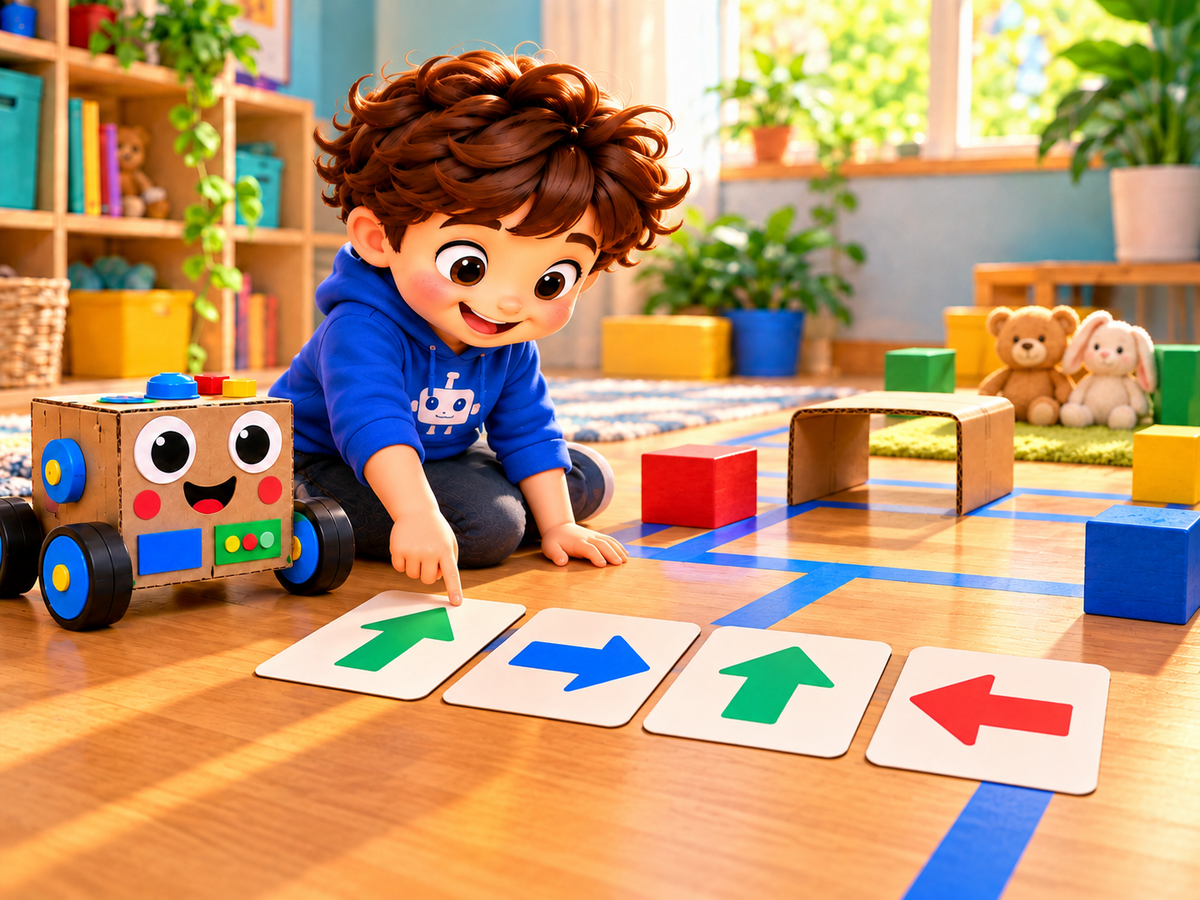
Plan the Code
Lay large direction cards in order to describe each move from the start to the rescue goal: forward, turn right, forward, or turn left.
“Which direction should the robot move first, and what comes next?”
Grown-up tip
Ask the child to point along the route and say each command before touching the robot.
Step 4
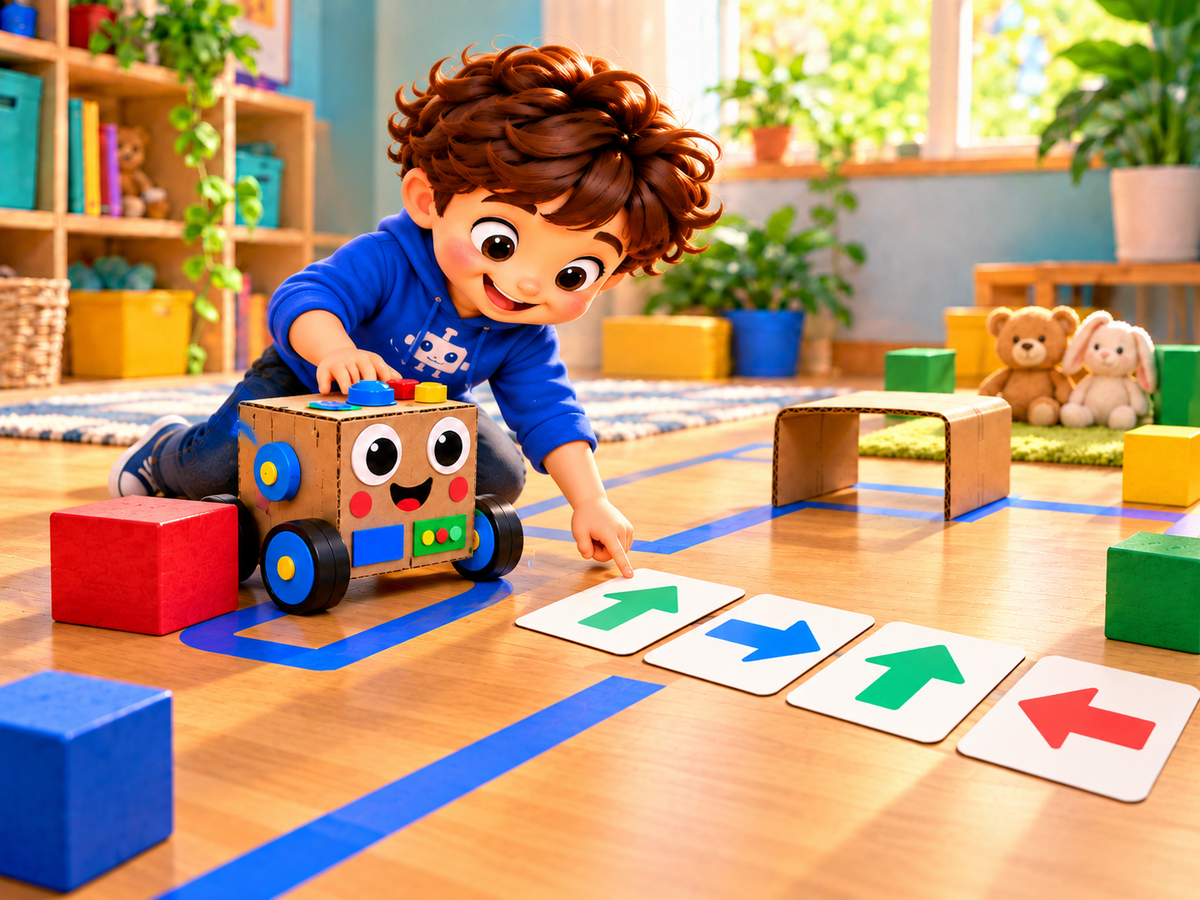
Run and Test
Follow the cards one at a time, moving the robot one grid space for each command. Stop, notice any wrong turn, and change the code before trying again.
“Did the robot follow the planned route, and which command should change?”
Grown-up tip
Treat unexpected moves as useful tests. Reset the robot calmly and change only one command at a time.
Step 5
Rescue Complete
Use the improved code to guide the robot through the full course and arrive beside both plush toys at the rescue goal.
“Can the robot complete the whole rescue using your final code?”
5:00Grown-up tip
Let the child lead the final run. Celebrate careful planning, testing, and revising rather than speed.
Progress is saved only on this device.
Learning and development
Skills children practise
Practise logical thinking, sequencing, spatial language, testing, debugging, problem solving, creativity, and perseverance through screen-free early coding play.
- ✓ Logical thinking
- ✓ Sequencing
- ✓ Problem solving
- ✓ Early coding
- ✓ Focus and perseverance
Make it gentler
Easier version
Use a short straight route with one turn and keep three direction cards visible beside the path.
Add a challenge
Harder version
Add another safe obstacle, plan a longer command sequence from memory, or ask the child to find and fix one deliberately misplaced command.
Grown-up corner
For parents
Let the child choose and say the commands. When the robot takes a wrong turn, ask what the test revealed and encourage one small code change.
Classroom idea
For teachers
Use navigator, robot mover, and checker roles in a small group. Rotate roles and invite children to explain one debugging decision.